What is authentication?
The user name and password authentication mechanism authenticates users with their user name
and password credentials that are stored in the database.
User authentication has three tasks:-
- Manage the connection between the human (user) and the website’s server (computer).
- Verify users’ identities.
- Approve (or decline) the authentication so the system can move to authorizing the user.
Create Account
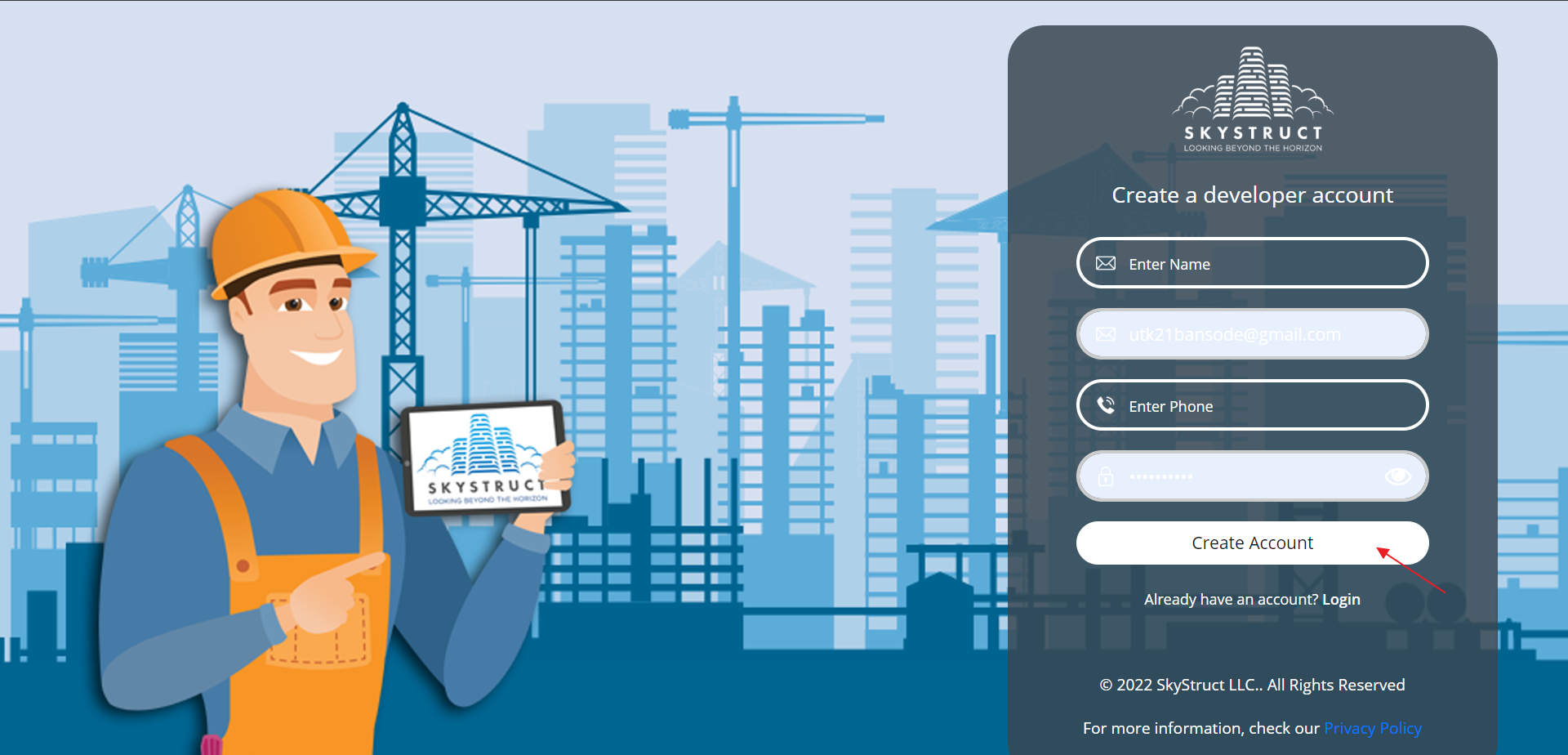
- Go to app.skystruct.com and click on Create a SkyStruct account.
- Click on Create Account.
- A confirmation email will be sent to the respective email address.
- Once your account is activated you can log in.
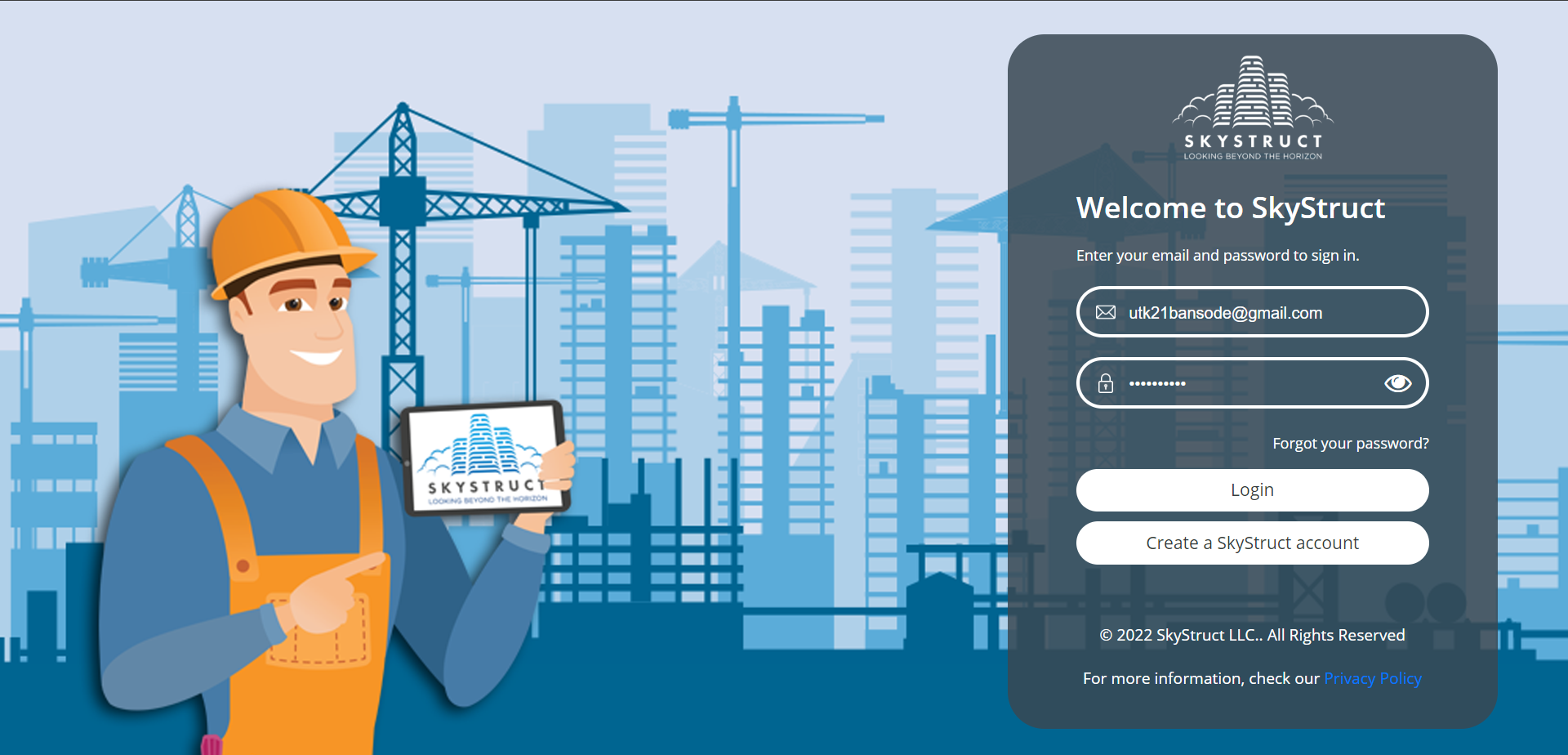
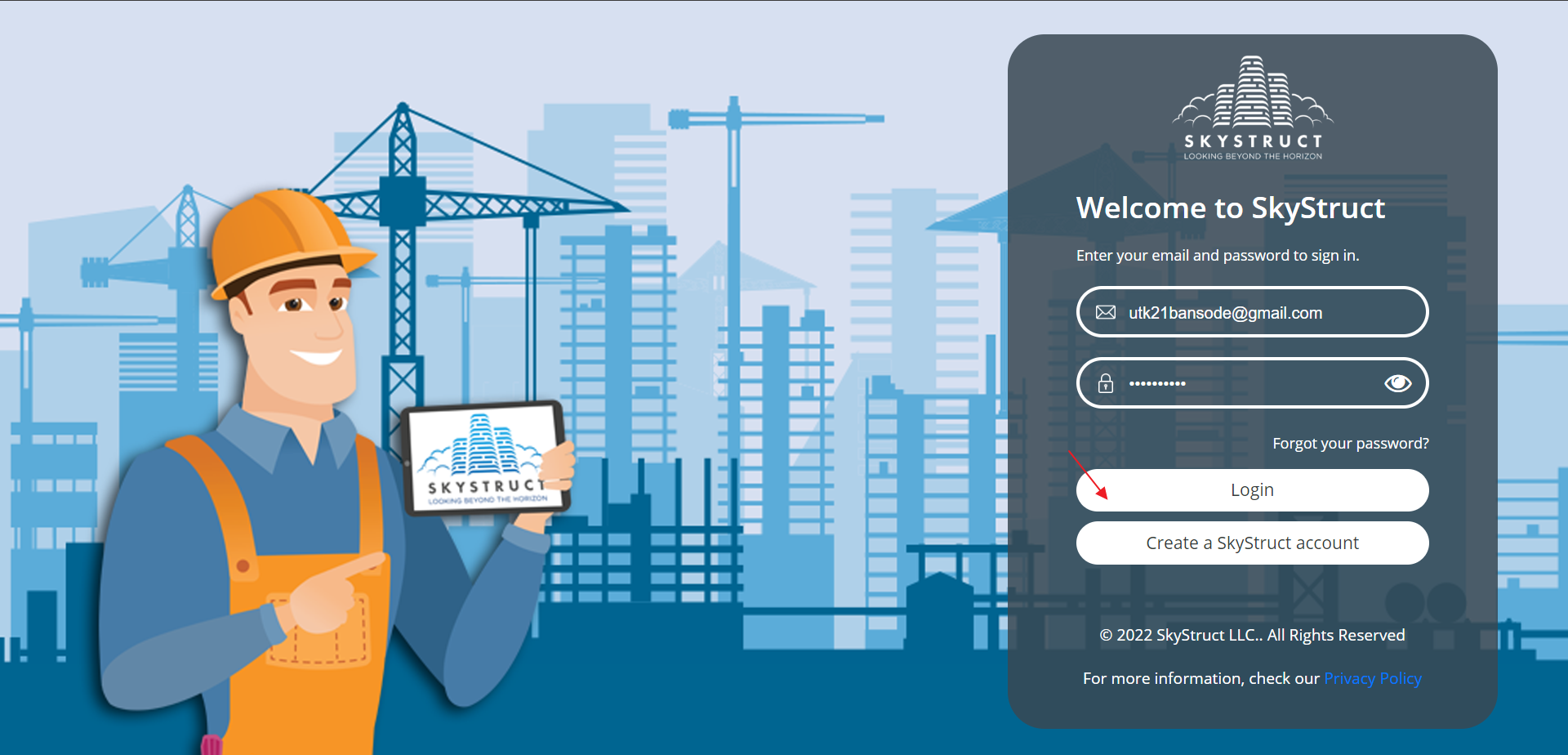
Login
- Refer Create Account for account creation.
- Log in to Skystruct with proper credentials.
- Click on Login.
Forgot Password
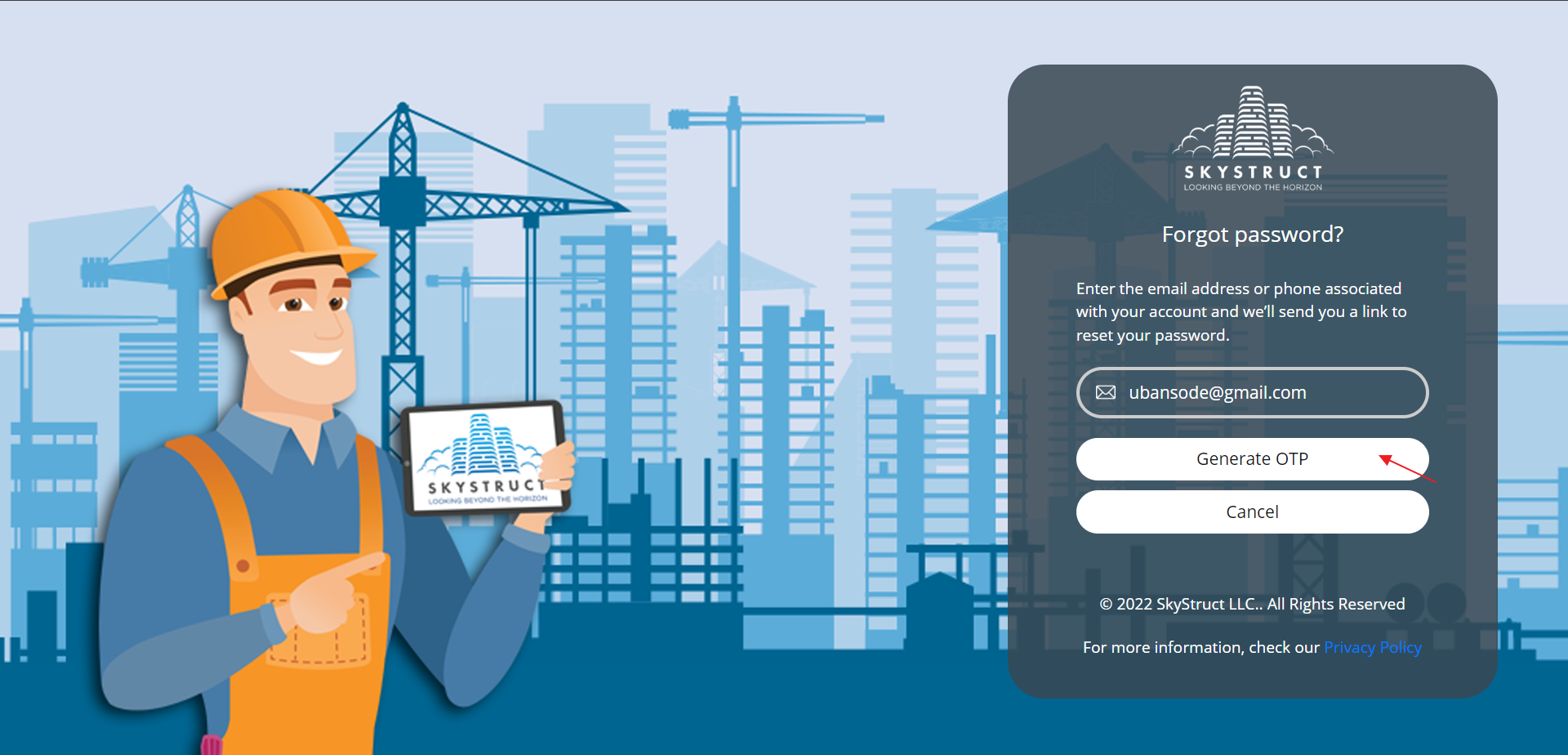
- If you forget your password, click on Forgot your password?
- Now, enter the email or mobile number associated with the account.
- An OTP will be sent to reset your password.
- Click on Generate OTP and set your new password.