Inventory Order List
What does Inventory Order imply?
- Inventory on order means merchandise that is the subject of a purchase order. It can also mean items of inventory that have been ordered but have not yet been shipped.
- Inventory order management is responsible for ordering and tracking stock as it arrives at the warehouse. Purchase order systems play a crucial role in monitoring the influx of goods such as raw materials and supplies.
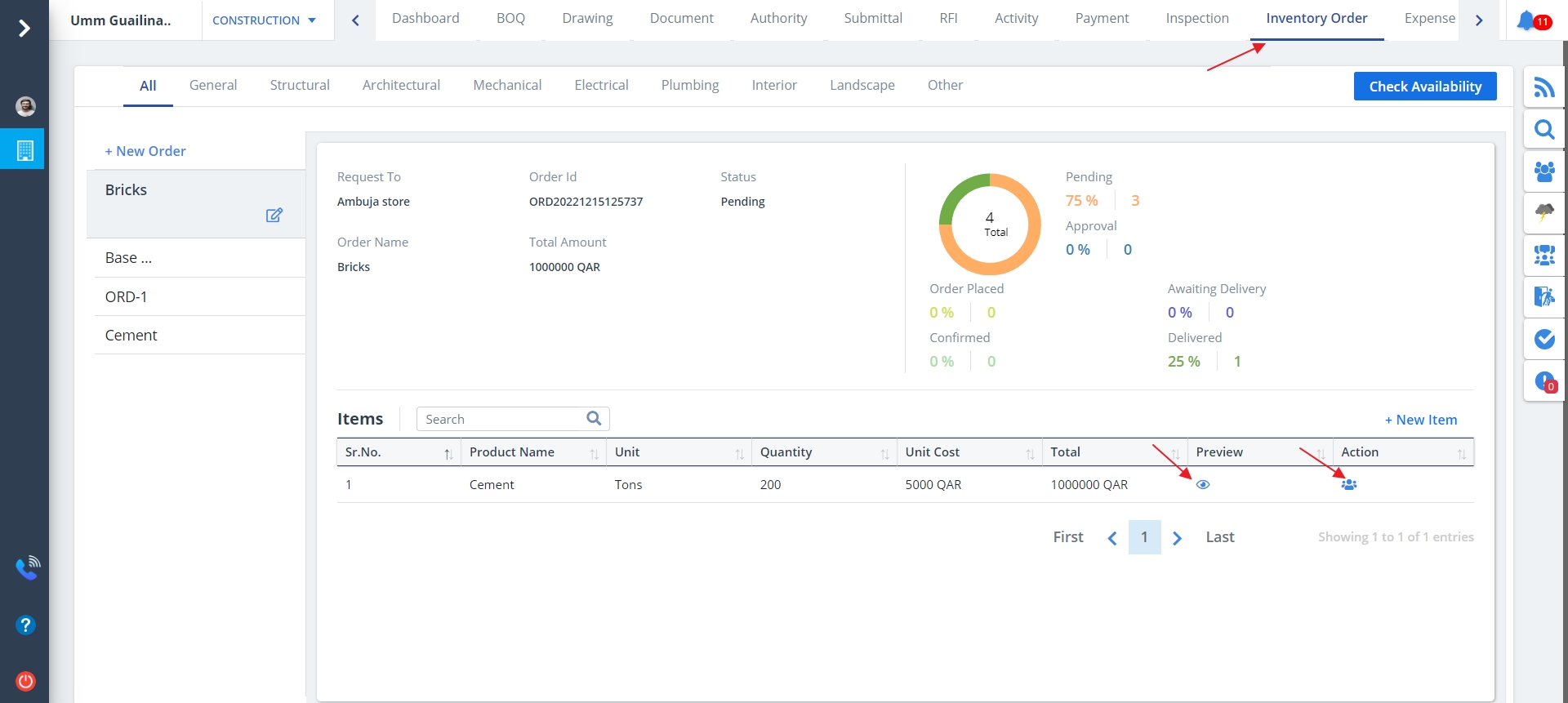
- Select Inventory Order from menu. All the mentioned inventory orders will be shown here.
- List of all the items added in the inventory are shown.
- You can use the Eye button as mentioned if you wish to view the image related to the particular item.
- The button under Action column can be used to learn about the audits.
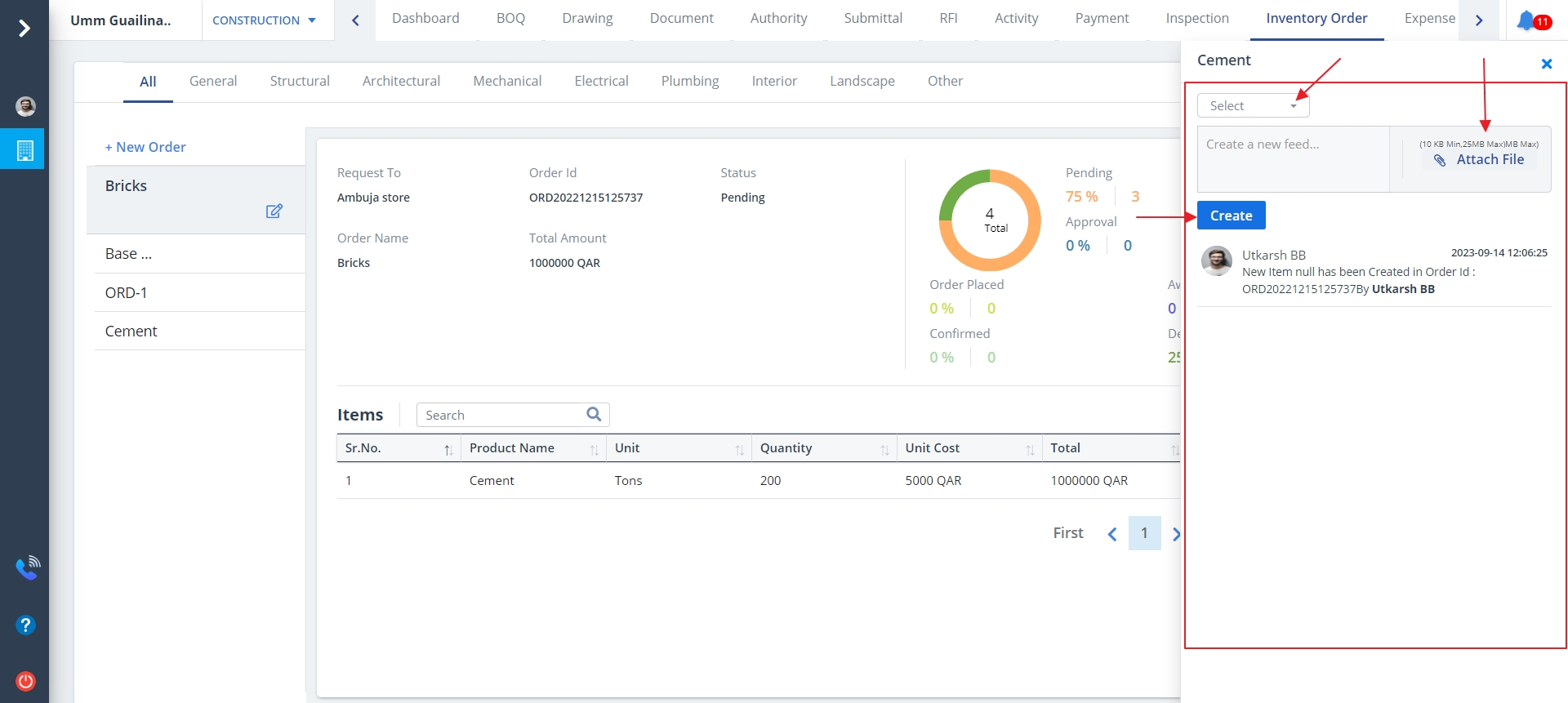
Audit
- You would now see the list of recent activities undertaken by a user.
- Select the users and file as required.
- Ultimately, click on Create button.
Search an item
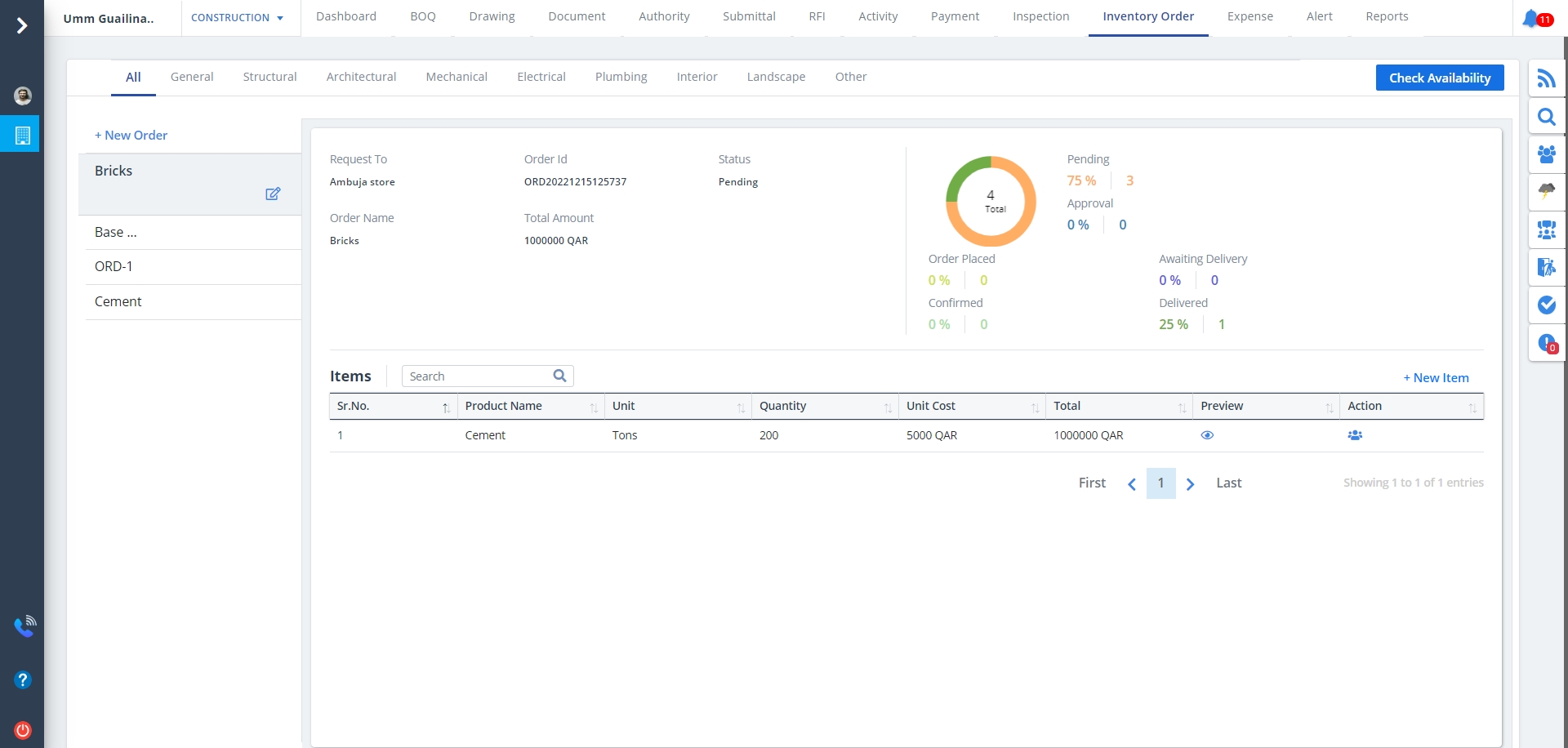
- Your can narrow your viewing by using the search bar provided.
- Input the item name or item initial you want to search and you would be able to view to view the precise data.
New Item
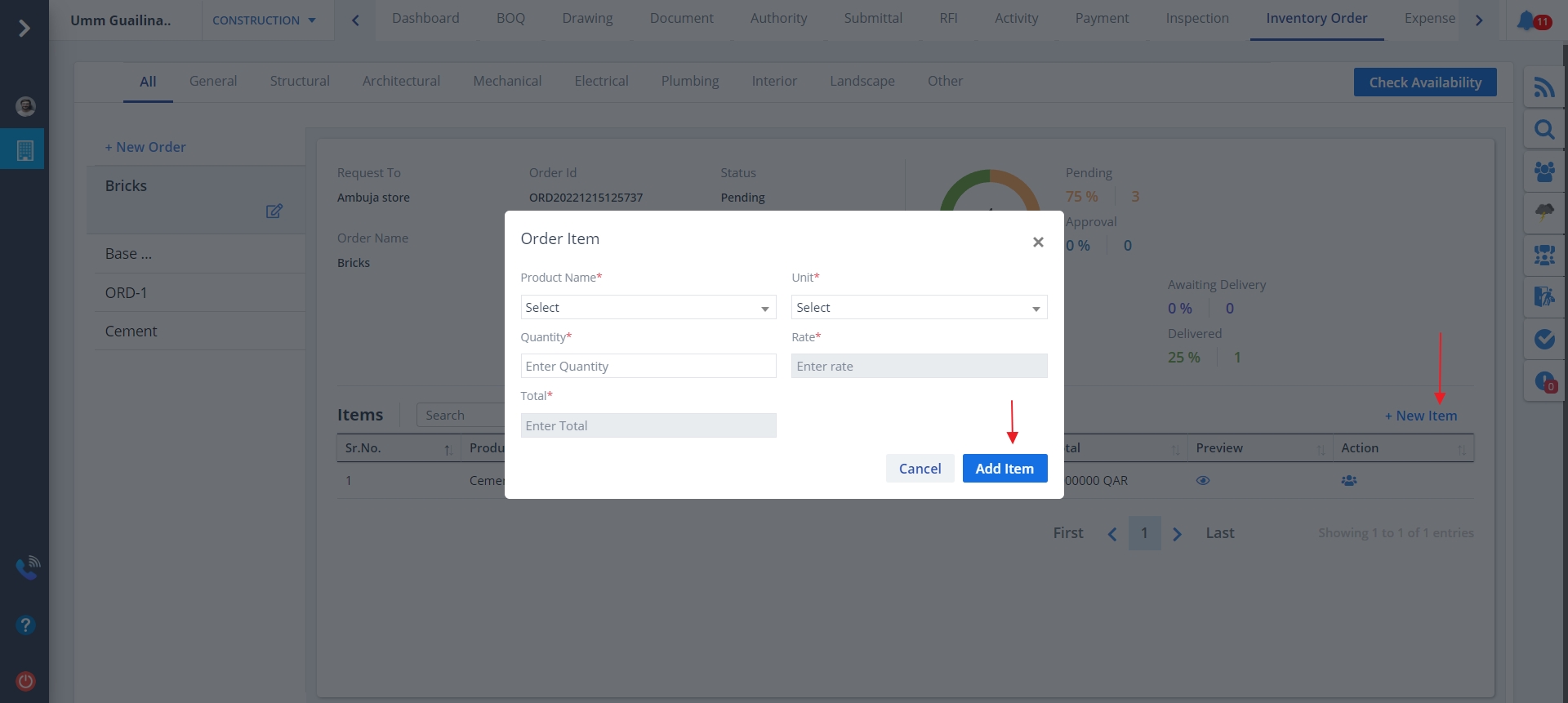
New Item can be created as follows:-
- Click on New Item to add items to the inventory.
- Mention details properly and click on Add Item
New Order
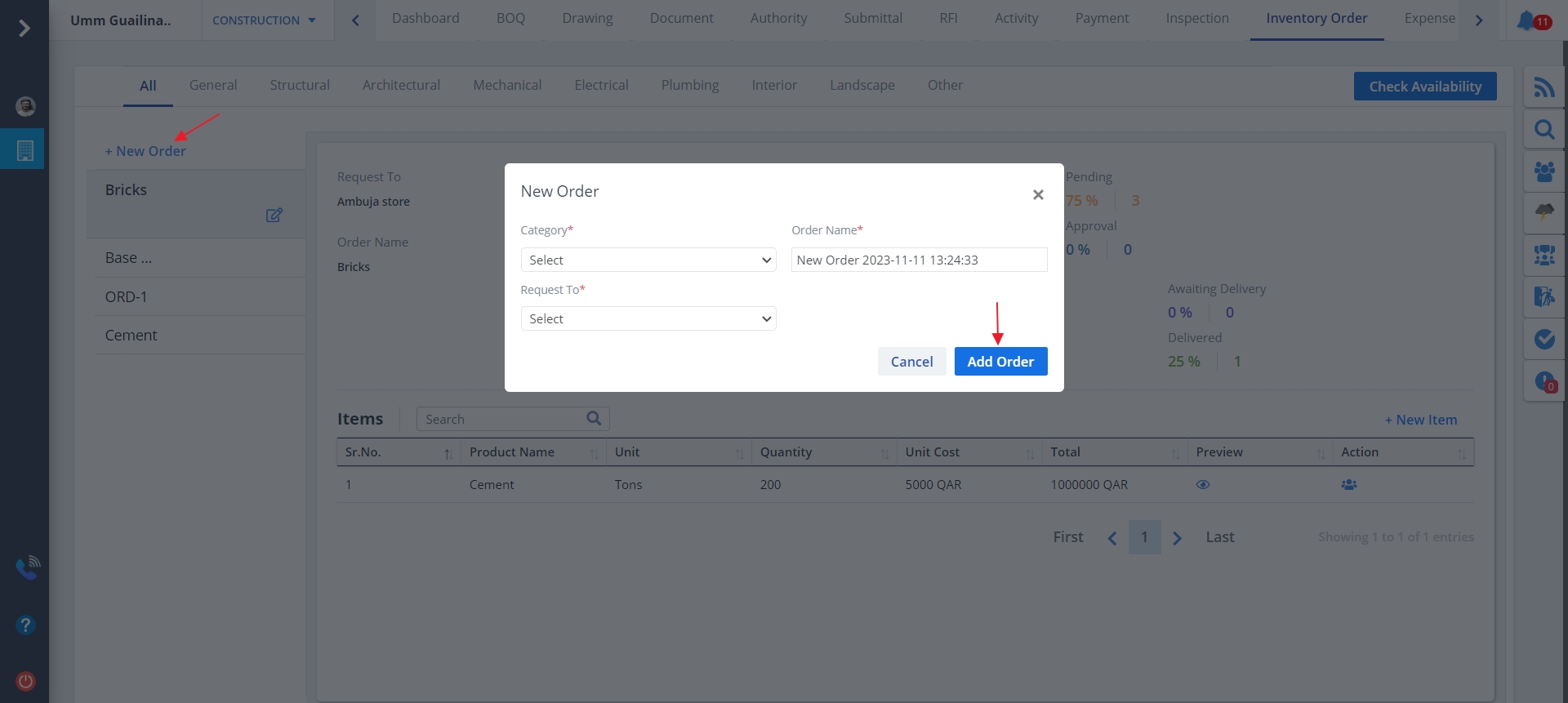
New Order can be created as follows:-
- Click on New Order as shown to propose a new order for a particular item.
- Mention details properly and click on Add Order
Edit Order
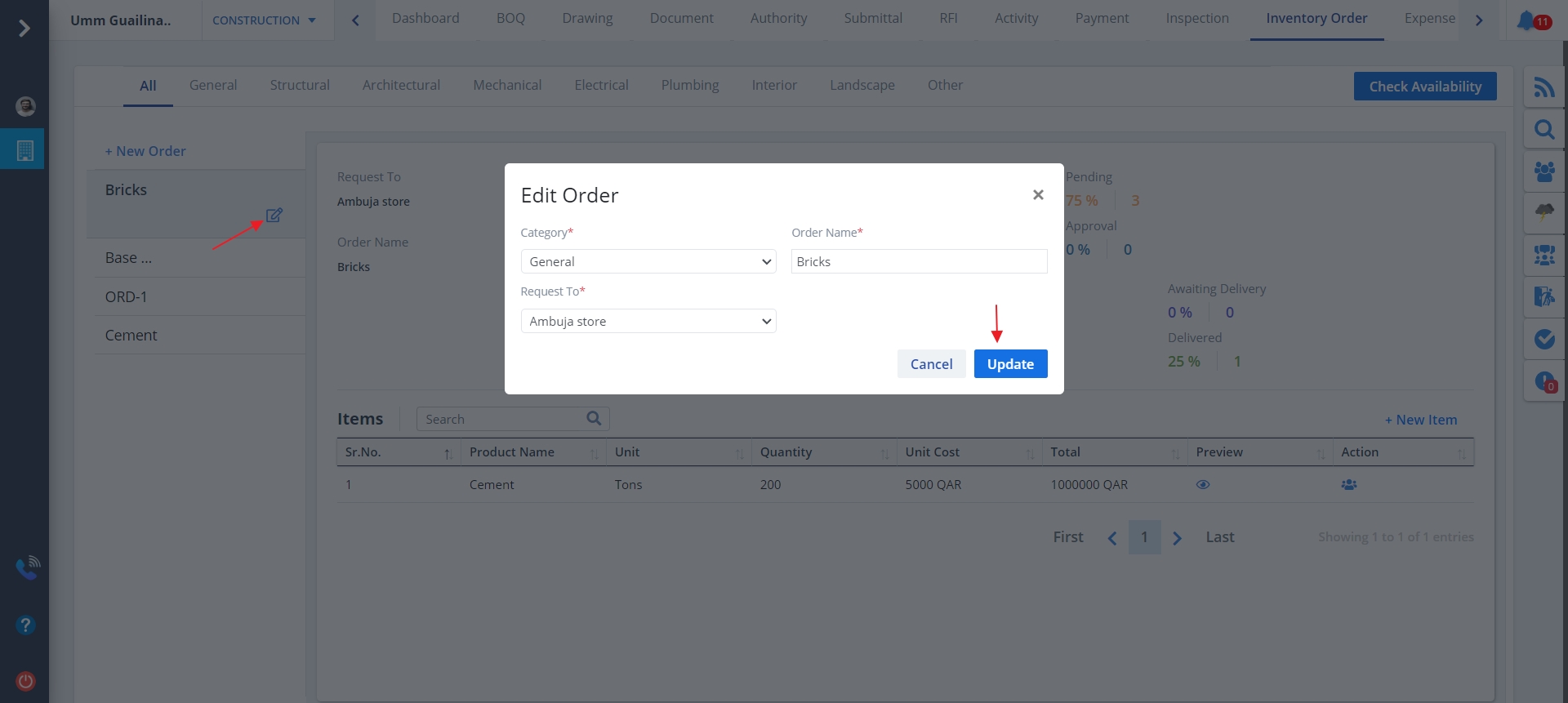
- Edit a particular order by clicking on Edit button as shown.
- Any particular order can be edited. Just click on the any of the items present on the left side.
- Now, Edit option would appear automatically.
- Modify details wherever required and click on Update.
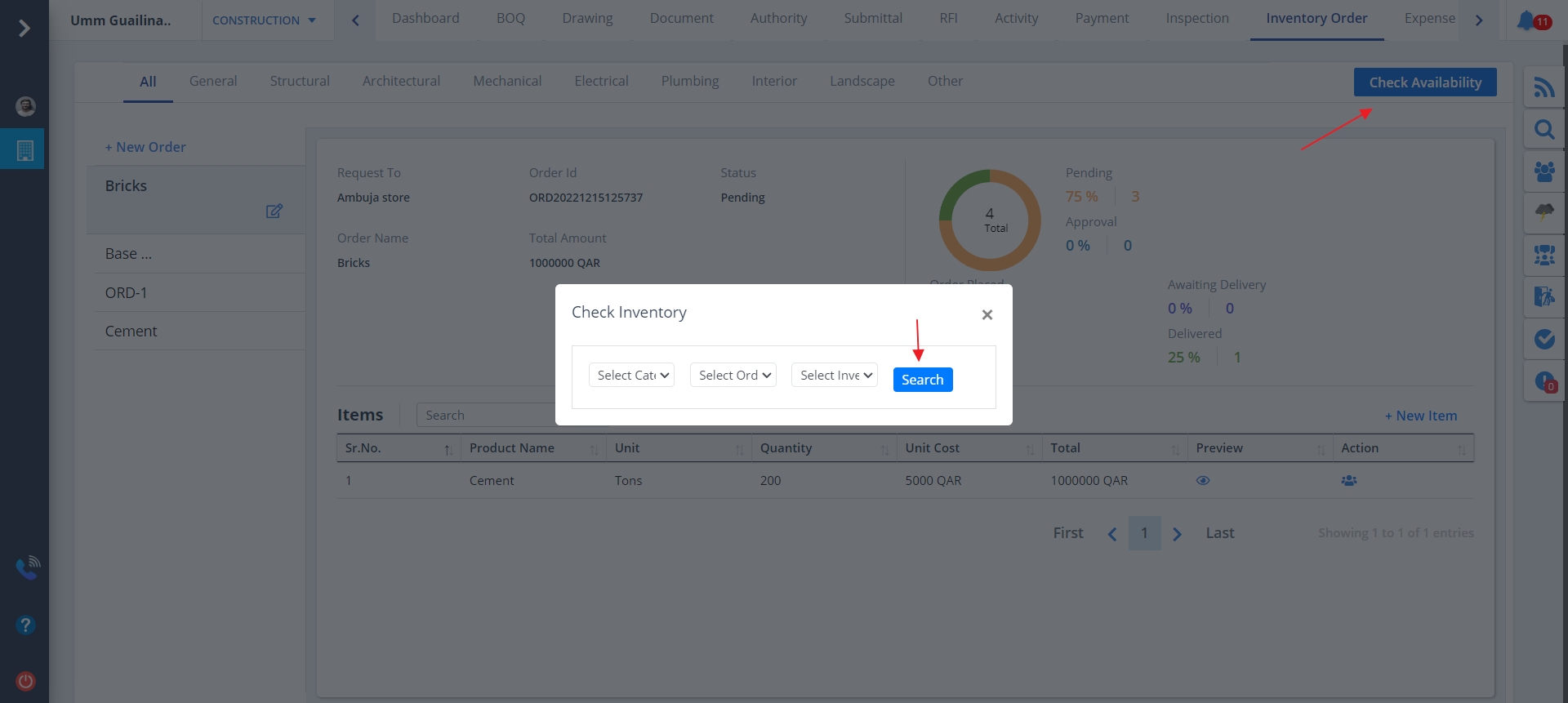
Check Availability
- Click on Check Availability present at the top right.
- Give proper inputs for checking stock.
- Once everthing gets done, click on Search.