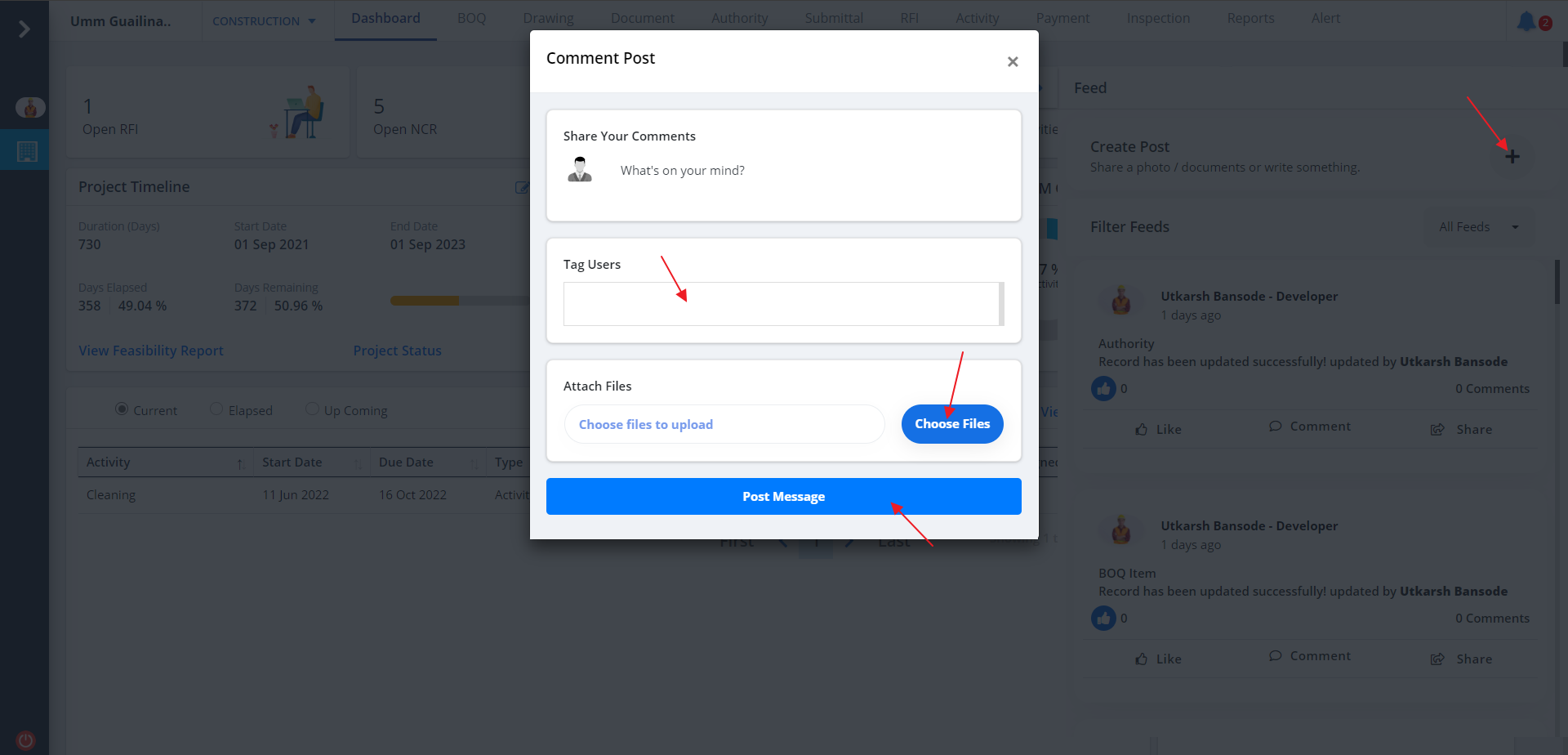
Create Post
- To add a new Feed, click on +. Enter Data
- Now click on Tag Users and select the users to tag.
- Choose relevant files and click on Post Message.
- Feed will be included in the list right away.
- When you click on Tag Users.
- Click on the area as depicted, select the users and click on Save Changes.
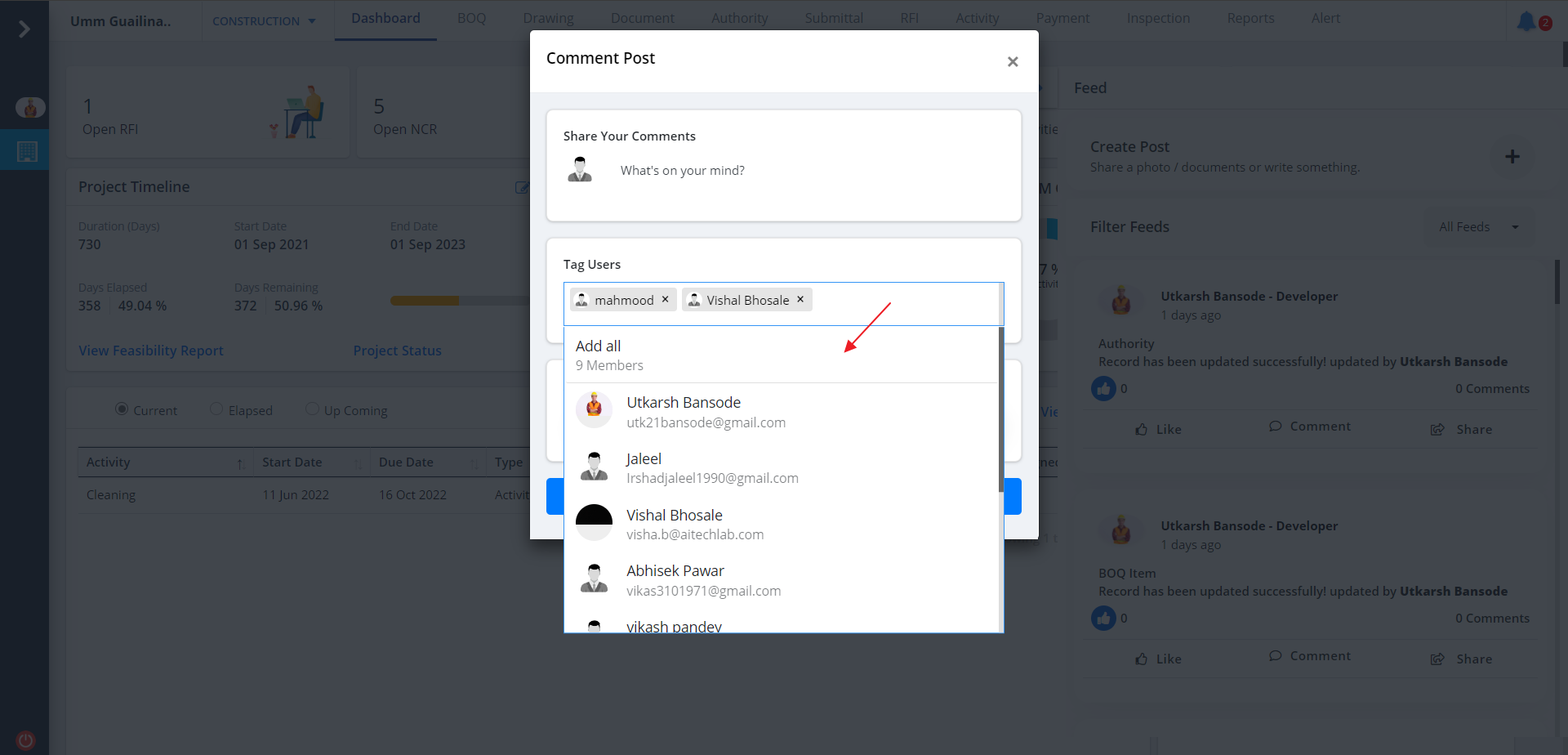
Tag Users
- Click on Tag Users and select the users to tag. Refer Create Post.
- Choose relevant files and click on Post Message.
- Feed will be included in the list right away.
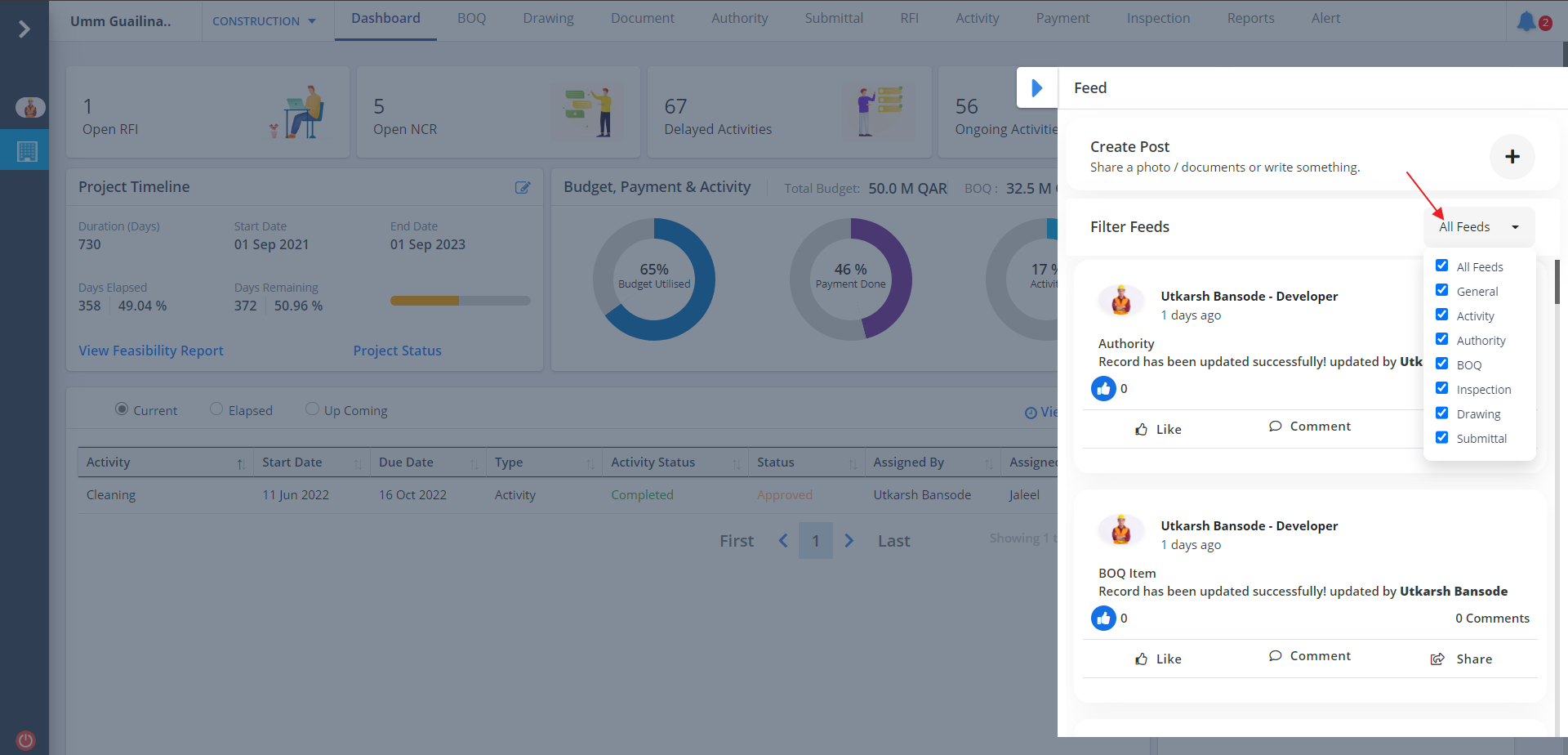
Filter Feeds
- There is a filter for feeds as shown below.
- Filter has all the modules of the project.
- Use this filter to filter the feed based on a particular module/modules