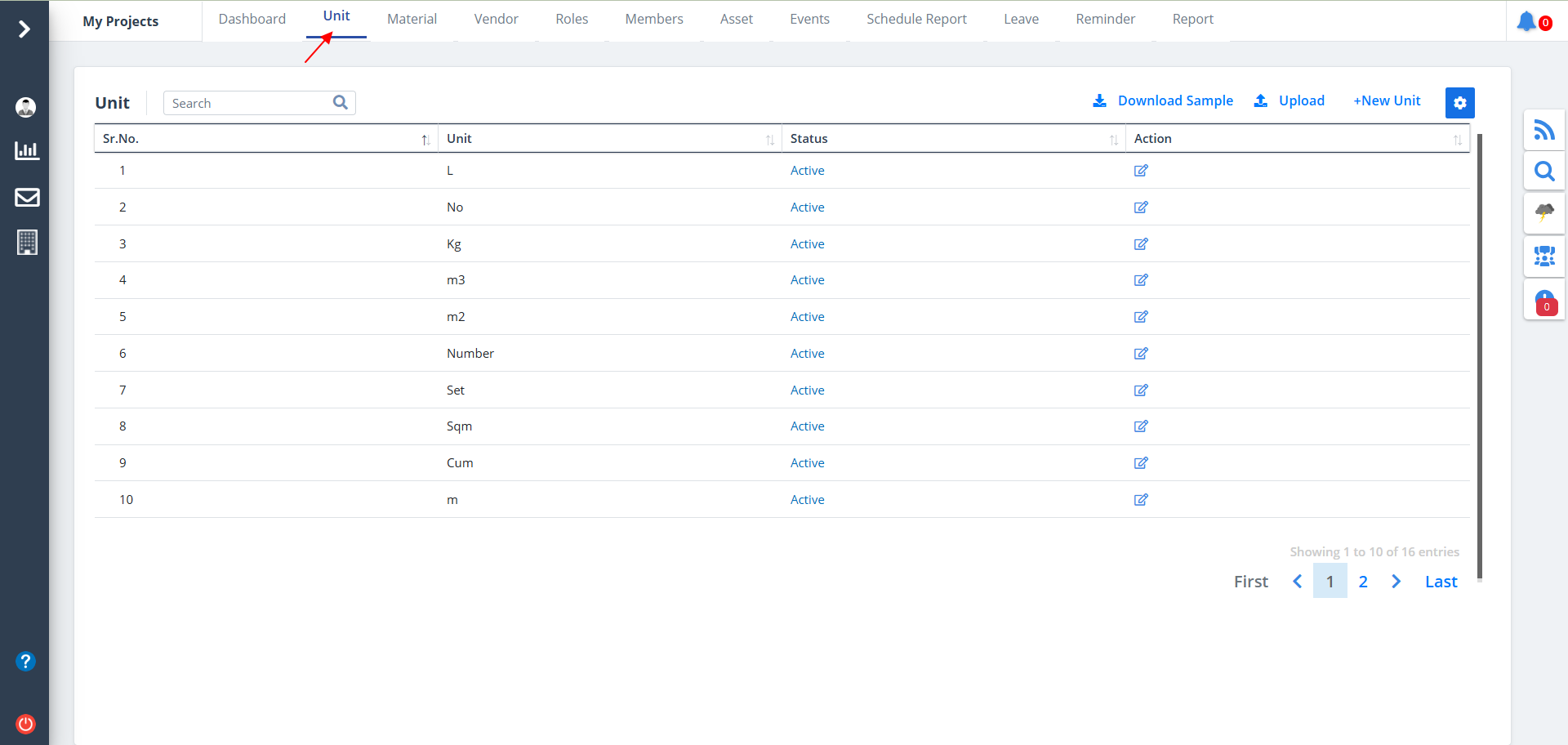
Unit List
- Select Unit from menu.
- Units will be listed along with the status, if units are already defined.
- If the status is deactive, the text color changes.
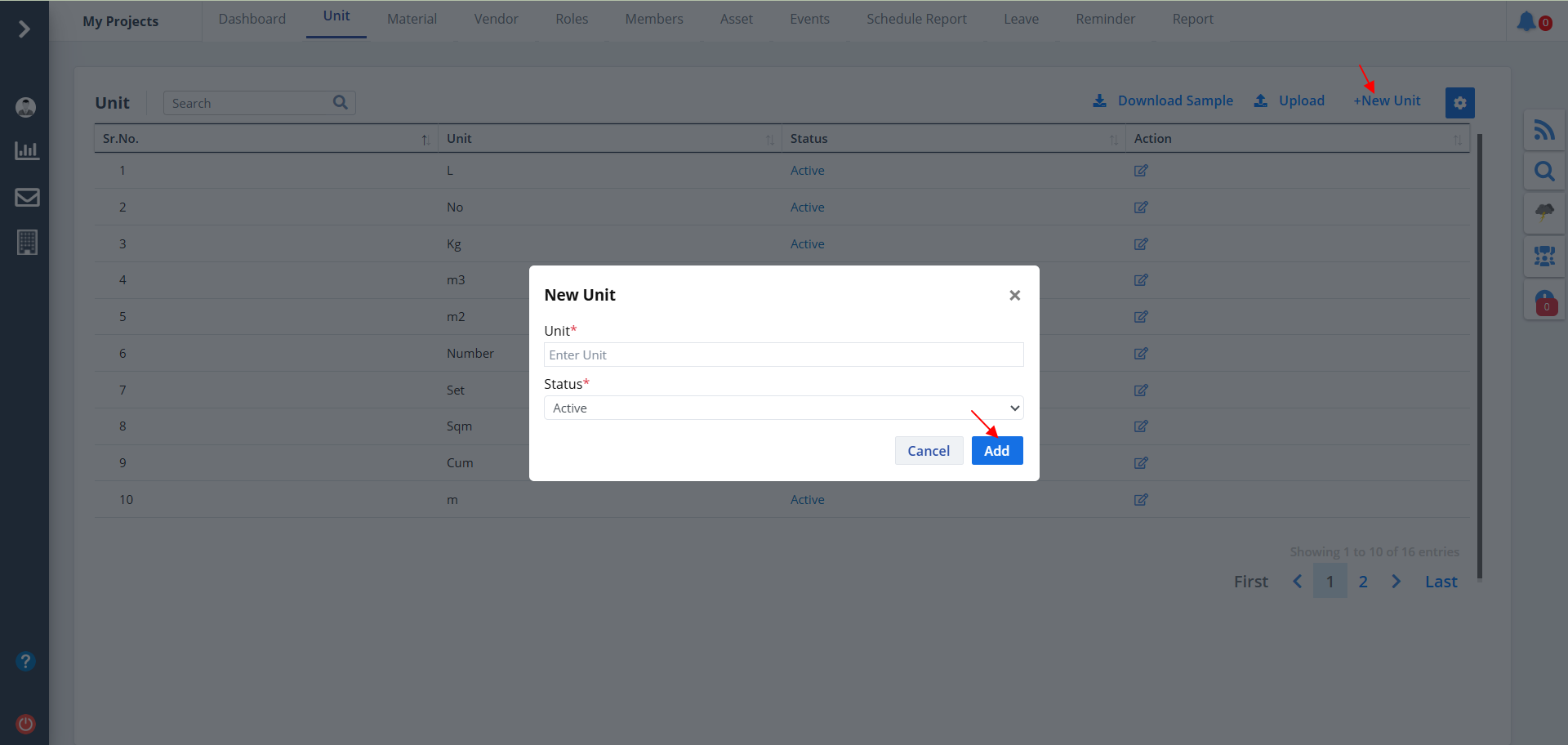
New Unit
- To add a new unit, click on New Unit.
- Mention appropriate unit and status.
- Add data and click on Add.
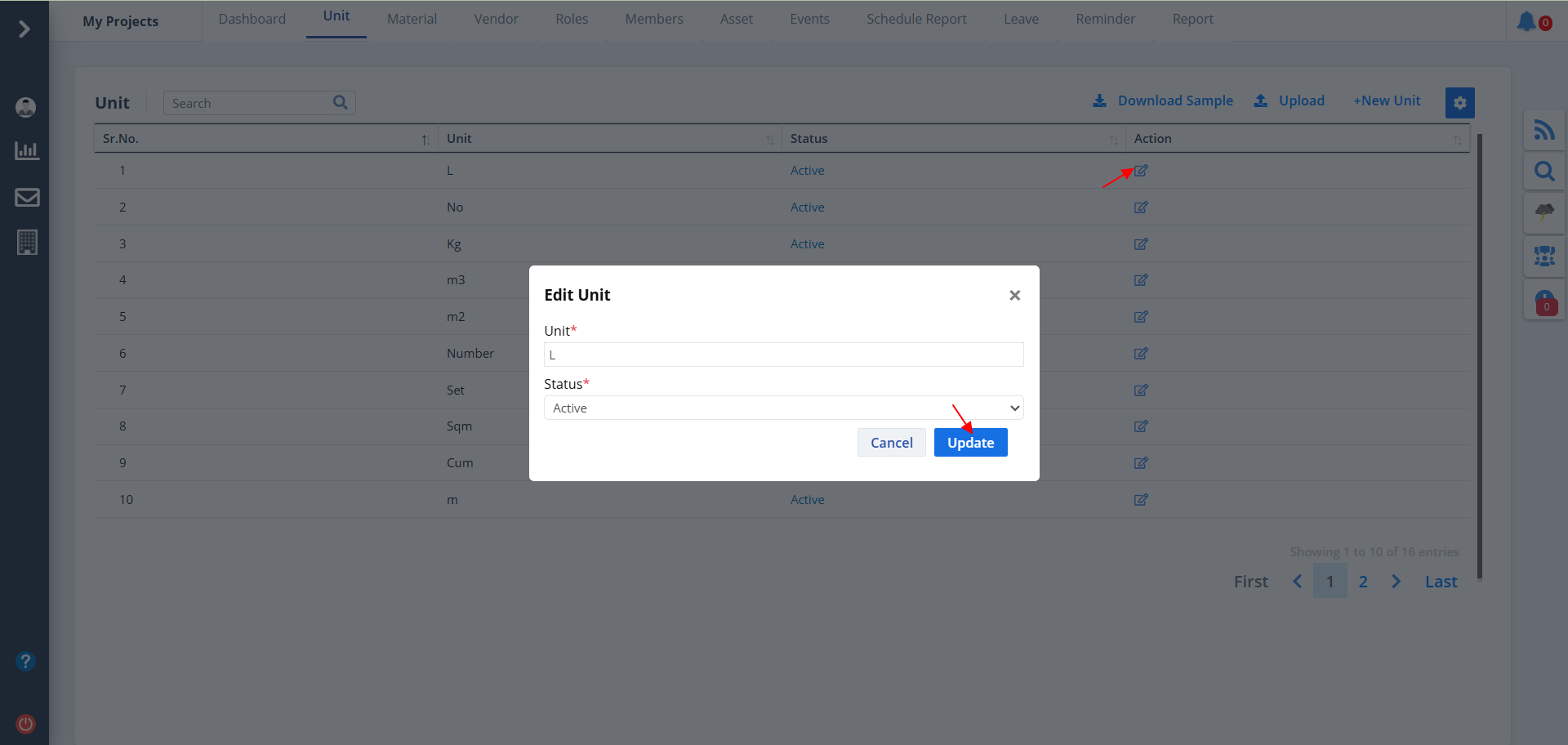
Edit Unit
- Click on Edit under Action column to edit details.
- Select unit and status as required.
- Now, click on Update.
Download & Upload
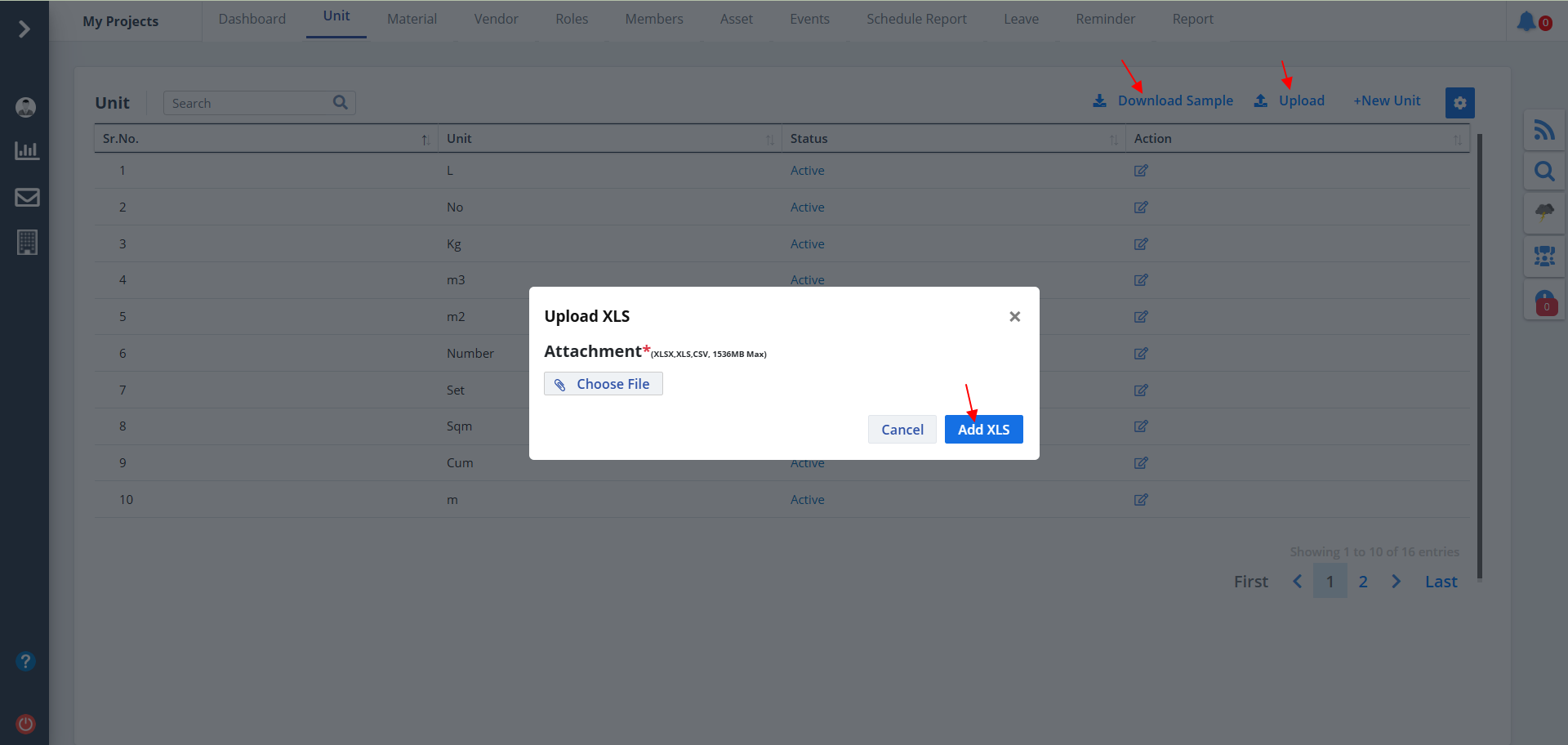
- Click on Download Sample to download a unit document.
- If you want to add an XLS file, click on Upload. Now attach the required file and click on Add XLS.
- Once you upload this XLS file, you can see your unit listed over here.
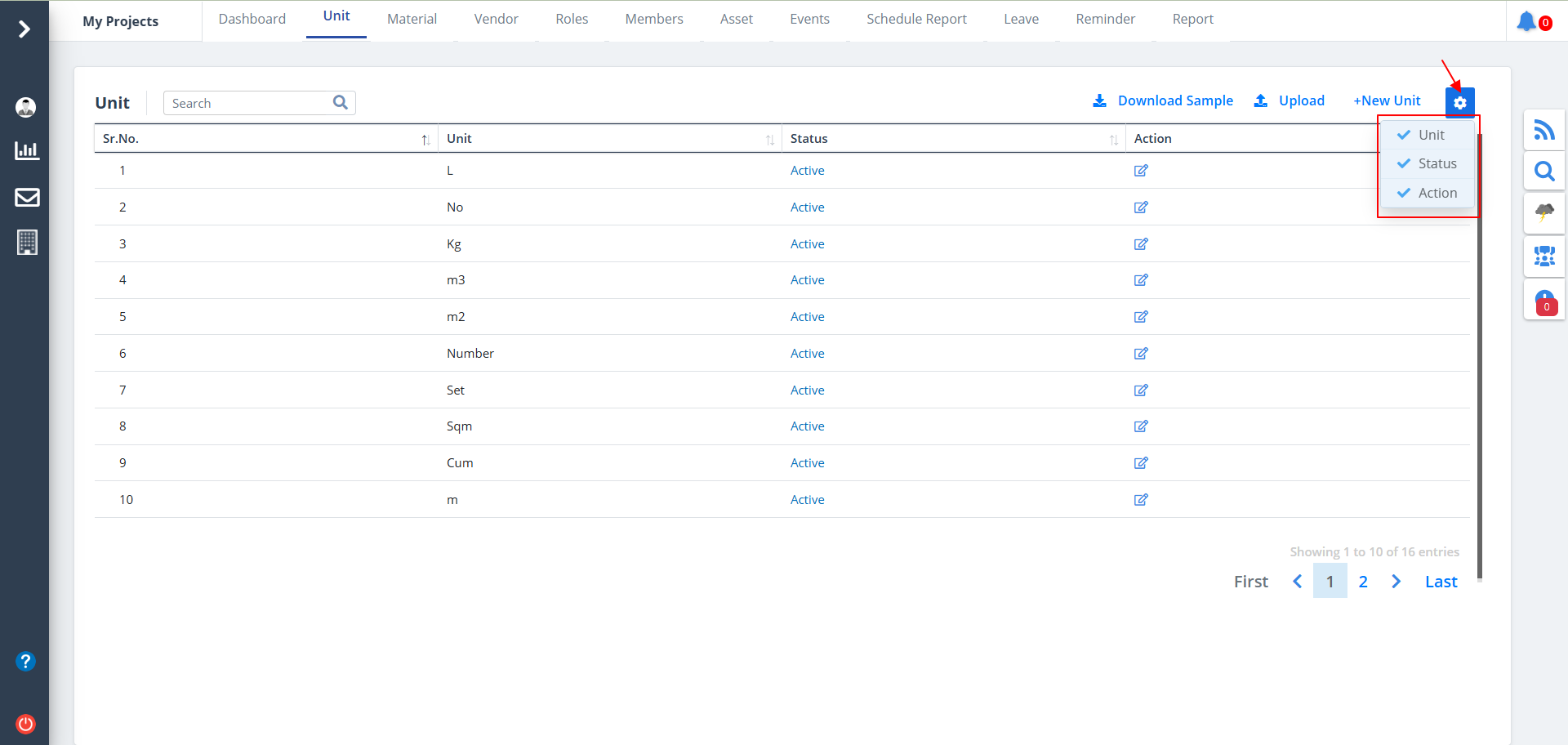
Column Visibility
- You can control what column you prefer to be seen.
- Just click on the Settings icon as shown in the below image.
- Tick the columns that you want to view and untick the ones you don't desire to view.
- In case you change your mind, you can tick the untick ones and vice-versa.