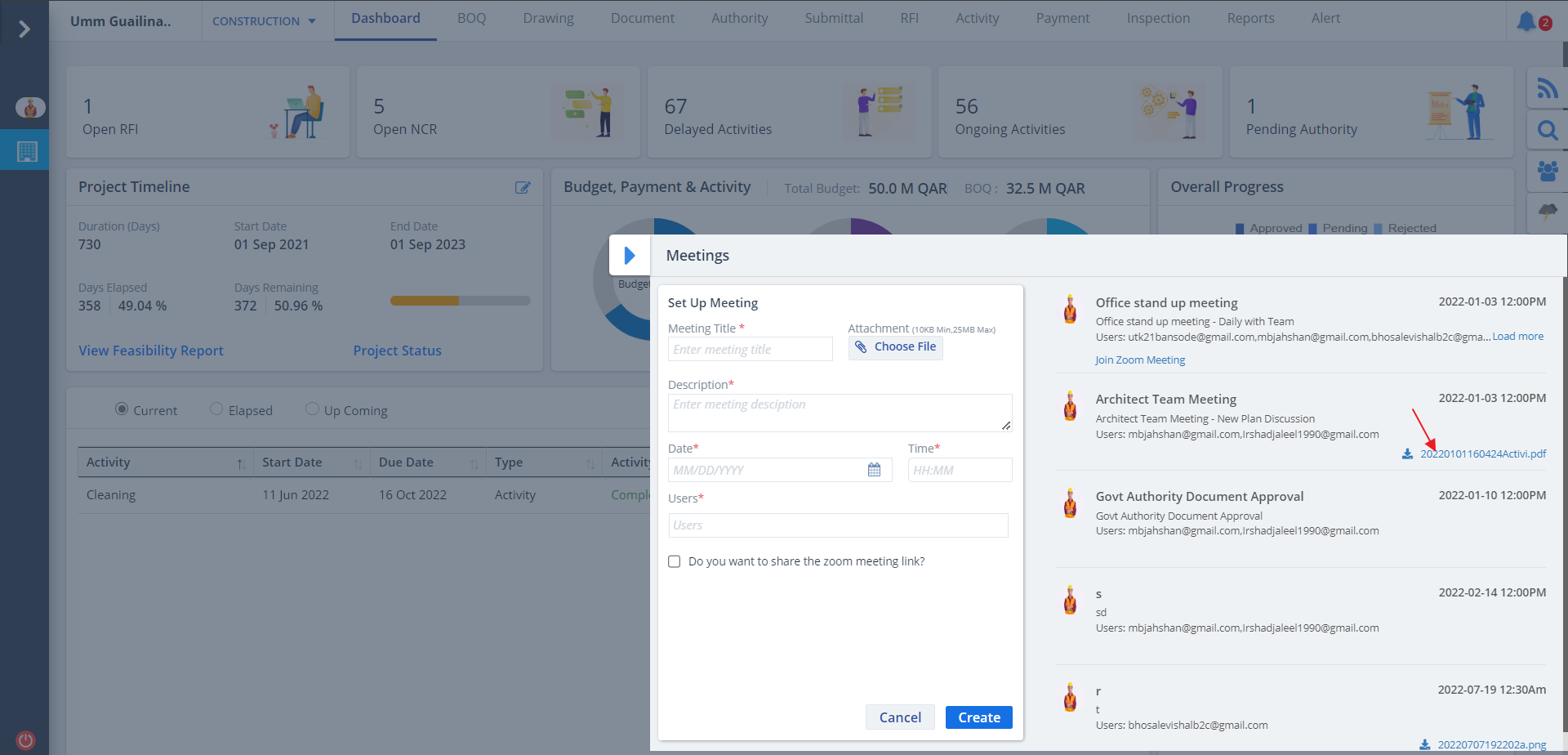
Meeting List
- Once you switch to Meeting Section you would see the meetings enlisted if already scheduled.
- You can also see the group whose meeting is scheduled and the reason why meeting has been scheduled.
- A form to add a new meeting can be used to schedule one with time and date.
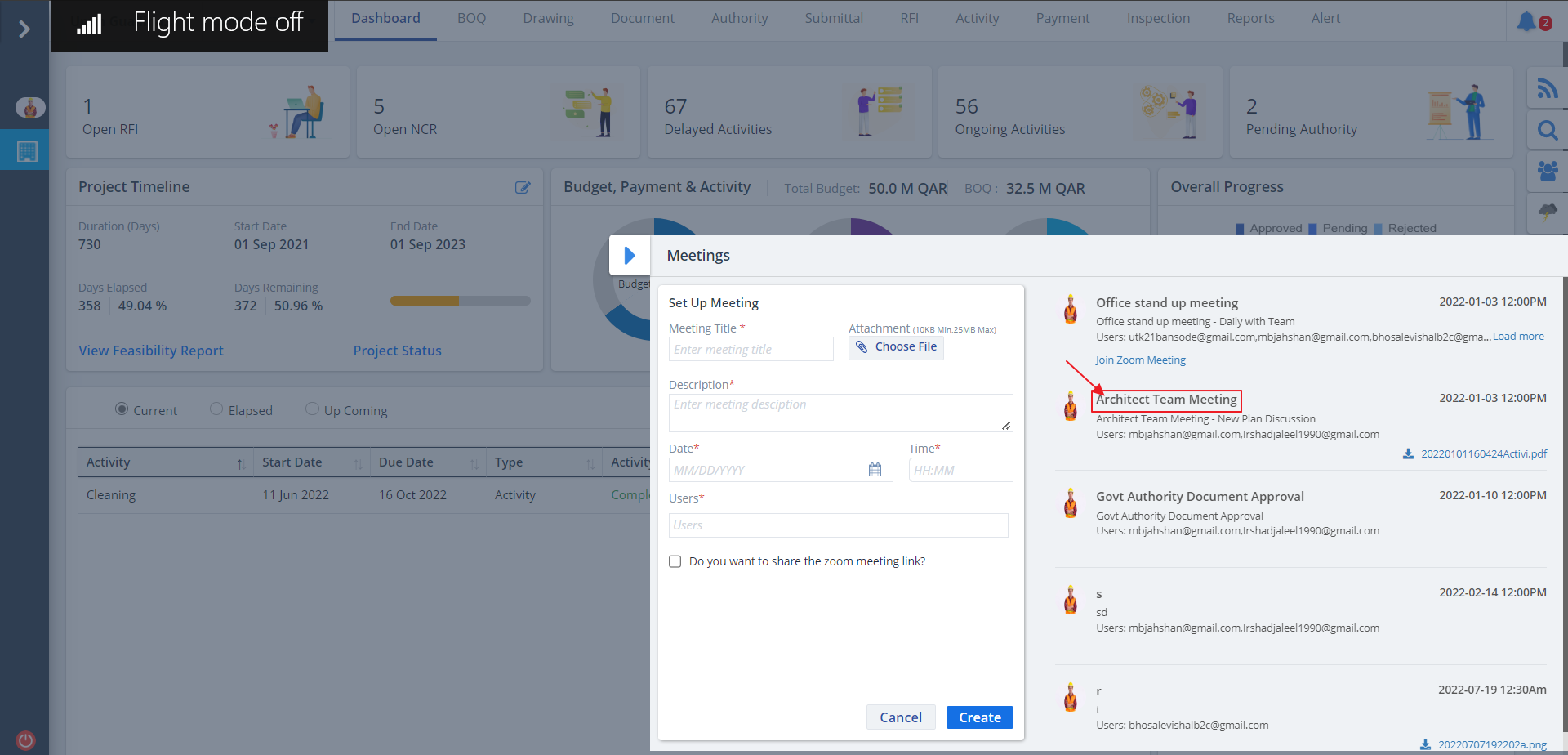
Create Meeting
- You will see a form for setting up a meeting. Fill the details.
- Select the check box if you want to share the zoom meet link, do not select otherwise.
- Now click on Create.
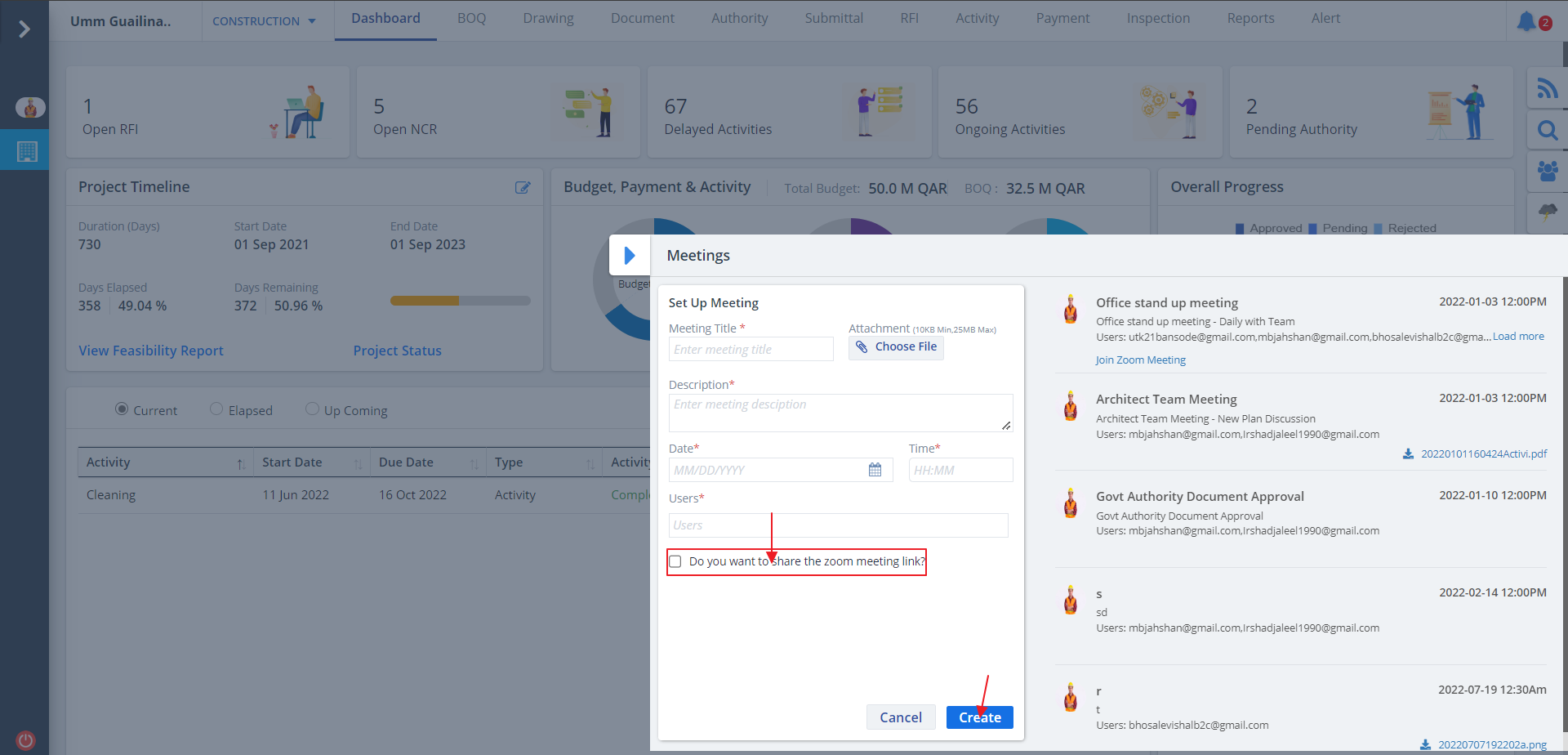
Download Meeting Info
- If meetings are already scheduled then it will be enlisted.
- Any documents regarding that meeting will be shown as a downloadable format.
- If you had not uploaded a document for the meeting before, no document will be available for download.