Leave Request List
- Click on the icon next to Meeting Section.
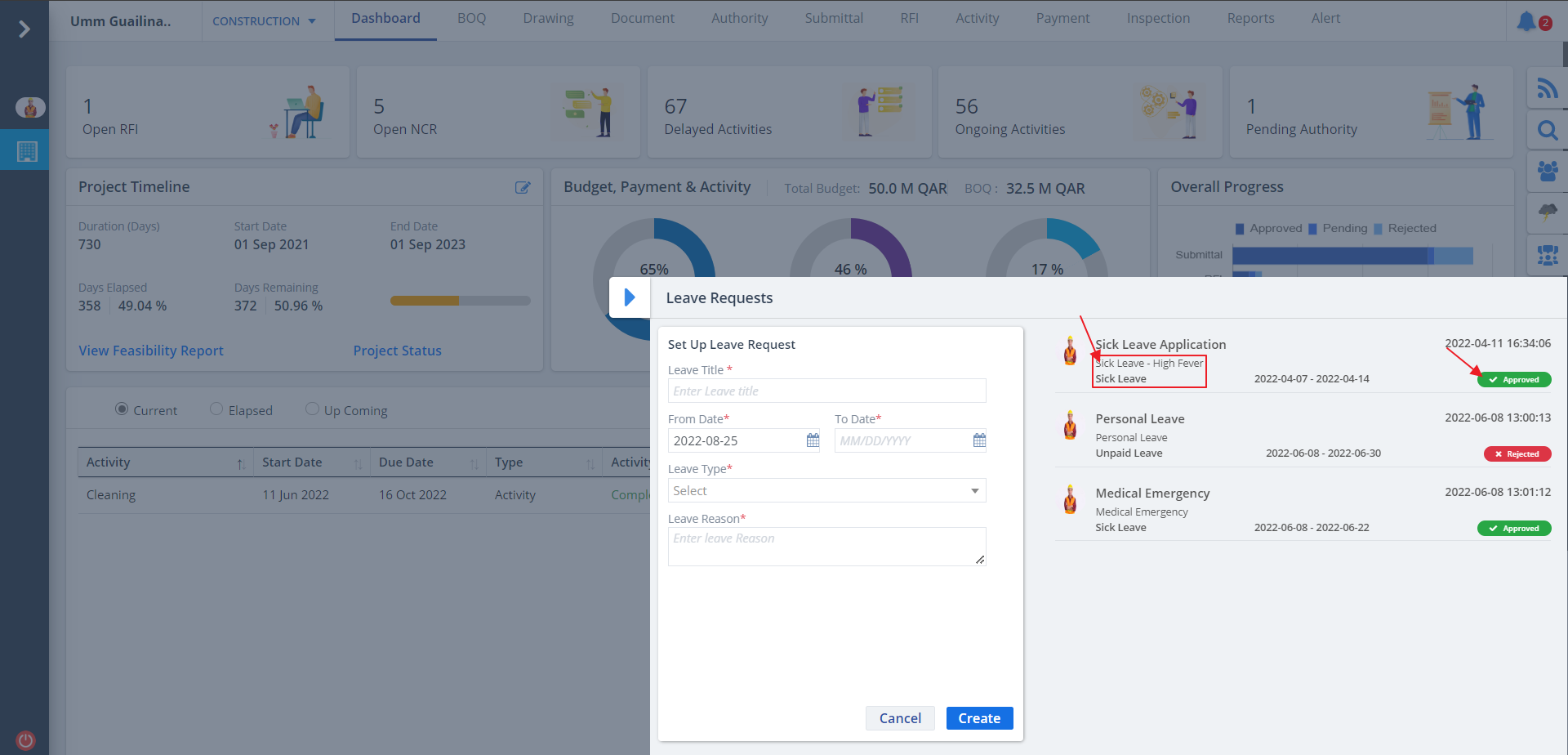
- If leave requests are already applied, it will be shown along with the status as approved or rejected.
- It will also show the reason for leave.
Create Leave
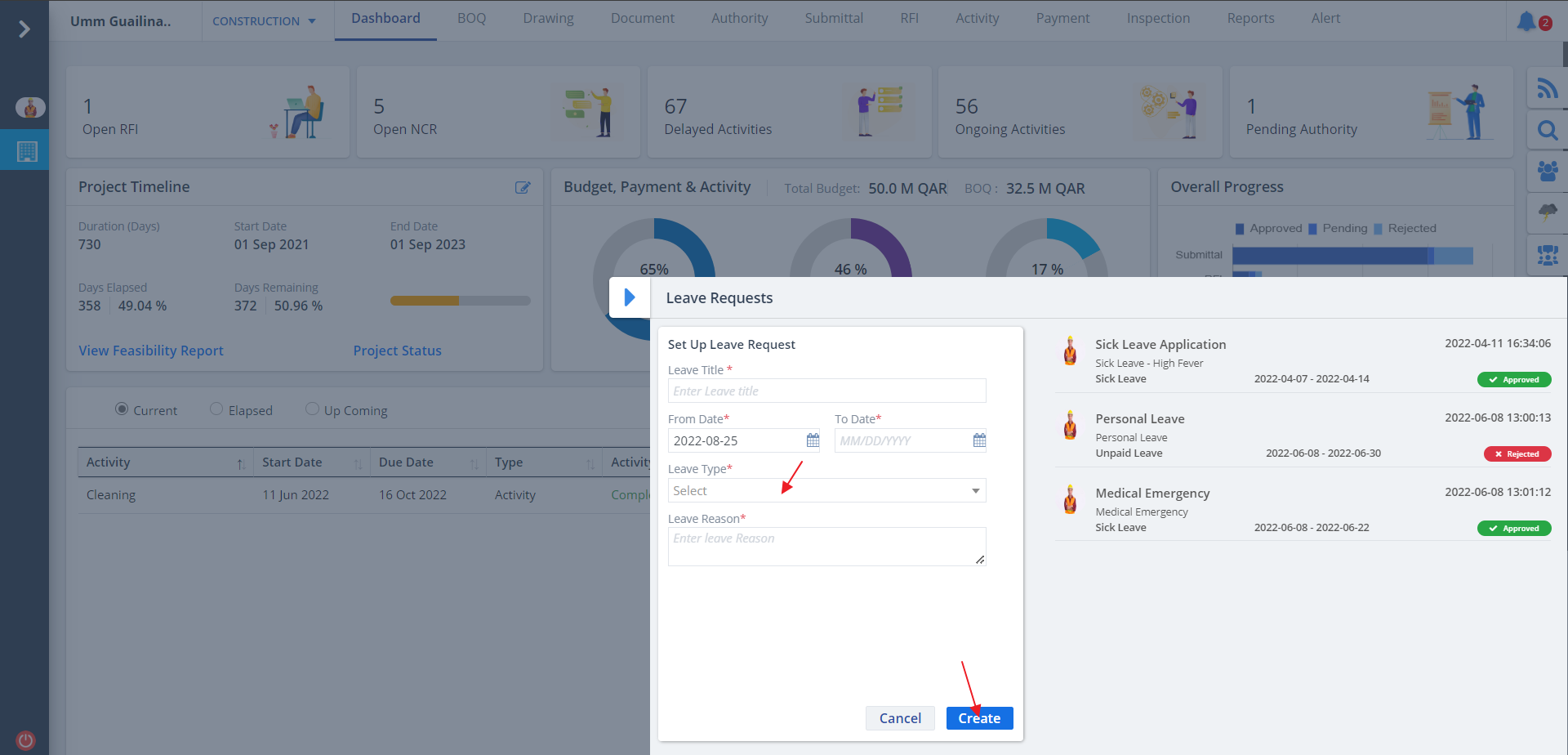
- Enter the details as prompted. Mention the leave type as well.
- Click on Add to apply for a new leave.
- Leave type can have values:-
- Annual Leave refers to the leaves for the entire year.
- Sick Leave means requesting for a leave, because you are sick or not well.
- Unpaid Leave is such leave where the leave request gets approved, but payment does not get processed for that leave.
- Leaves related to other payment delay caused by one or two people’s approval comes under Other Paid Approved Leave.
- Leaves related to laid-off days comes under In No Work.
- Leaves covered under Holidays.